
Posted by OnlineVapeShop US on Aug 20th 2026
Foger Flavors 2026: The Ultimate Troubleshooting & Battery Care Guide
While exploring the vibrant Foger Flavors 2026 lineup provides an incredible sensory experience, maintaining your hardware ensures every draw remains pristine. Whether you are dealing with a blinking screen, a pod that won't fire, or a battery that drains too quickly, this comprehensive troubleshooting and charging care manual has you covered. We will break down exactly how to protect your high-capacity units, optimize your power cycles, and solve common operational errors so you can get back to enjoying your vapor without any frustrating technical interruptions.
1. Recognizing Common Foger Device Malfunctions
Even premium hardware occasionally encounters operational hiccups. Understanding what your device is trying to communicate is the first step in resolving the issue before replacing the unit.
Diagnosing Blinking LED Screen Indicators
When the digital display begins flashing rapidly, it is an integrated diagnostic warning. A screen that blinks three times usually indicates a short circuit within the mesh coil, while a continuous ten-blink sequence typically means the lithium-ion cell is completely depleted and requires immediate connection to a power source.
2. Optimal USB-C Charging Protocols for Disposables
Improper power management is the leading cause of premature hardware failure. Because these units house massive internal capacities, they require specific charging habits to maintain battery health.
Selecting the Correct Wall Adapter Voltage
Always use a standard 5V/1A or 5V/2A charging block. Avoid plugging your device into high-speed laptop chargers or advanced smartphone fast-chargers. Forcing too much wattage into the battery's microcontroller can fry the internal chip, permanently bricking the hardware.
3. Fixing Auto-Draw Activation Failures
If you inhale and the device produces no vapor and the screen remains dark, the auto-draw pneumatic sensor is likely failing to register the change in air pressure.
Clearing Blocked Airflow Sensor Vents
Dust, lint, or minor e-liquid condensation can block the tiny airflow sensor located near the bottom intake. Use a dry, soft-bristled brush or a can of compressed air to gently clear the bottom vents. Do not insert sharp metal objects like needles, as this will puncture the internal silicone membrane.
4. Preventing Premature E-Liquid Burnout
A burnt taste is the most common complaint among heavy users. This occurs when the organic cotton wick dries out faster than the thick vegetable glycerin can re-saturate it.
Managing Chain Vaping Thermal Stress
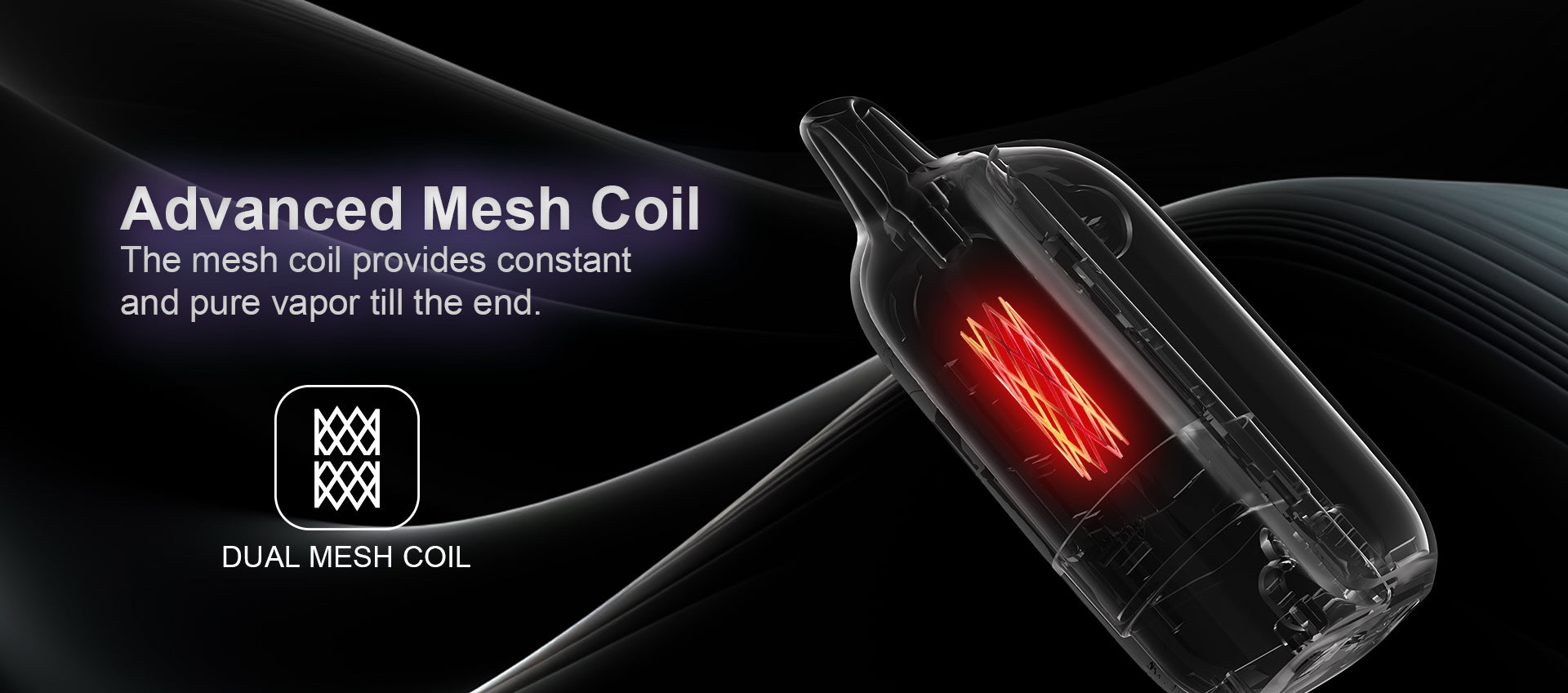
To prevent scorching your coils, you must manage thermal stress. If you are taking long, deep draws continuously, the internal dual-mesh grid will overheat. Allow at least 15 to 20 seconds between heavy pulls to ensure the wick remains fully saturated with liquid.
5. Extending the Bit 35K Battery Lifespan
The Foger Bit 35K high-capacity range utilizes a robust internal cell designed to last for weeks, but poor charging habits will degrade its maximum capacity over time.
Best Practices for 850mAh Integrated Cells
Do not leave this 850mAh device plugged in overnight. While it has overcharge protection, keeping the battery at 100% capacity for extended hours under constant voltage pressure degrades lithium-ion chemistry. Unplug it as soon as the crypto-themed screen reads full.
6. Troubleshooting Switch Pro 30K Connection Issues
Modular systems introduce physical connection points that can occasionally fail. If your smart base isn't recognizing the top cartridge, the circuit is broken.
Cleaning Gold-Plated Magnetic Base Terminals
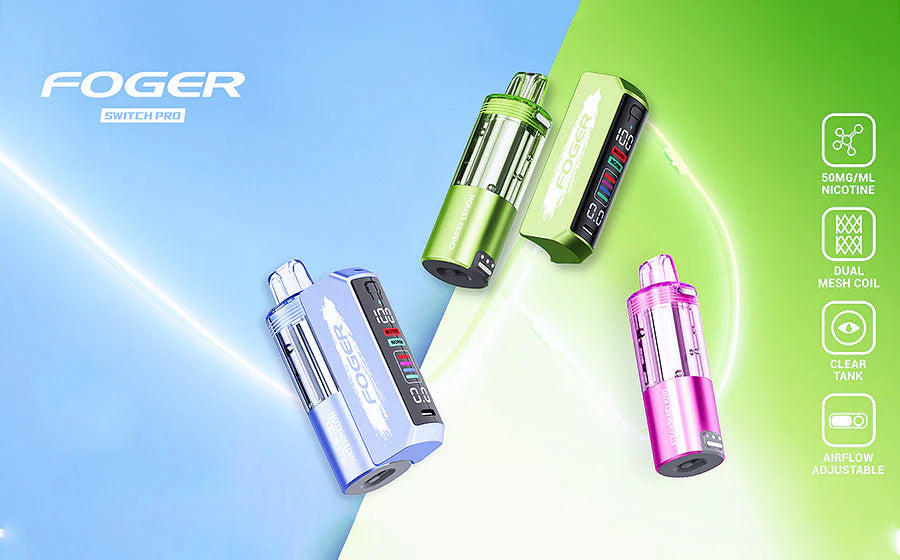
For users operating the Foger Switch Pro 30K Kit systems, microscopic condensation can build up on the magnetic pins. Remove the pod and firmly wipe the gold contact points on both the battery base and the bottom of the pod with a dry microfiber cloth to restore electrical conductivity.
7. Resolving Muted Vapor Production Problems
If your device is firing but the vapor feels thin, wispy, or flavorless, the internal vaporization chamber may be partially obstructed.
Unclogging the Polycarbonate Mouthpiece Chamber
Sometimes, excess liquid condenses and pools just beneath the mouthpiece. Take a tightly rolled piece of tissue paper and gently swab the inside of the mouthpiece opening to soak up this excess liquid, which will instantly restore a clear, dense airway.
8. Safe Temperature Storage Guidelines
E-liquid viscosity and lithium battery stability are highly sensitive to environmental temperatures. Leaving your device in the wrong environment will ruin the hardware.
Protecting Lithium-Ion Cores from Extreme Heat
Never leave your vape in a hot car during the summer or on a windowsill in direct sunlight. Extreme heat thins out the e-liquid causing it to leak through the bottom airflow, and it can cause the lithium-ion core to swell, creating a severe safety hazard.
9. Dealing with Unexpected E-Juice Leaks
While rare in modern closed systems, a sudden change in altitude (like flying on an airplane) or extreme temperature shifts can cause the vacuum seal inside the tank to break.
Re-seating Silicone Gaskets in Modular Pods
If you notice moisture around the base of your Foger Switch Pro 30K Pod replacements, detach the pod immediately. Wipe down the external plastic. Since these are factory-sealed, you cannot open them, but ensuring they are kept upright on a flat surface will help re-stabilize the internal vacuum pressure.
10. Reviving a Completely Dead Smart Display
Occasionally, the onboard microcontroller may experience a glitch, causing the screen to freeze or go entirely black even when the device is firing.
Soft Reset Techniques for Microcontrollers
To force a soft reset, plug the device into a low-wattage USB-C cable for exactly five seconds, then unplug it. Repeat this process three times rapidly. This sequence often forces the internal chip to reboot and restores the screen's visual display.
11. Identifying Authentic vs Counterfeit Hardware Faults
If your device fails immediately out of the box or tastes highly acidic and chemical, you may be dealing with a counterfeit unit that bypasses official quality control.
Scanning Holographic QR Codes for Verification
Always navigate back to the complete Foger brand catalog or authorized retailers to ensure authenticity. Verify your hardware by scratching the holographic seal on the side of the box and scanning the QR code. Counterfeit devices are notoriously prone to battery failures and auto-firing issues.
12. Proper Disposal of Exhausted Hardware
When the screen shows 0% liquid and 0% battery, and the vapor tastes charred, the device is fully exhausted. Throwing it in a standard trash can is an environmental hazard.
Recycling Lithium Batteries Responsibly
Because these devices contain lithium, they must be disposed of at designated e-waste recycling facilities. Check with your local electronics store or municipal waste management site for drop-off bins specifically designated for portable batteries.
13. Maximizing the Switch Pro Reusable Power Bank
The 1000mAh base is designed to last through dozens of replacement pods. Protecting this base ensures you maximize the value of the modular ecosystem.
Avoiding Pass-Through Charging Overheating
While the device supports pass-through technology (vaping while charging), doing so generates significant heat from both the discharging coil and the charging battery simultaneously. To preserve the lifespan of the motherboard, it is highly recommended to wait until the device is unplugged before vaping.
Foger Troubleshooting Battery Care
14. Contacting Official Brand Support for Defective Units
If you have followed all troubleshooting steps and the hardware still fails to operate, you may have received a rare factory defect, often referred to as a "lemon."
Gathering Batch Numbers for Warranty Claims
Before reaching out to customer service regarding your official Foger inventory purchase, locate the batch number printed on the original packaging or etched on the bottom of the device. Providing this alphanumeric code speeds up the replacement process and helps the manufacturer identify potential production line errors.
Frequently Asked Questions (PAA Cluster)
Why does my Foger vape continue to fire after I stop inhaling? This is known as "auto-firing" and is usually caused by e-liquid leaking onto the internal pneumatic draw sensor. If this happens, safely place the device on a non-flammable surface until it stops. Do not attempt to charge an auto-firing device, as it is a fire hazard.
Can I charge my vape with a high-speed laptop charger? No. High-speed laptop and tablet chargers output too much wattage (often 30W to 65W). You should only use standard 5V/1A or 5V/2A wall adapters to prevent frying the internal battery management chip.
How do I fix a Foger Switch Pro pod that isn't hitting? First, ensure the silicone plugs on the top and bottom of the pod have been fully removed. If they are removed, detach the pod and firmly wipe the gold magnetic connection pins on both the battery base and the pod with a dry cloth to ensure a clean electrical connection.
What does it mean when the e-liquid indicator drops quickly but the tank looks full? Smart screen e-liquid indicators use an algorithm based on puff count and duration rather than a physical liquid float sensor. If you take extremely long, forceful draws, the algorithm will deplete the digital gauge faster to compensate for the higher liquid volume vaporized per puff.